Checkweigher with Code Inspection
Weight control and code verification on one frame.
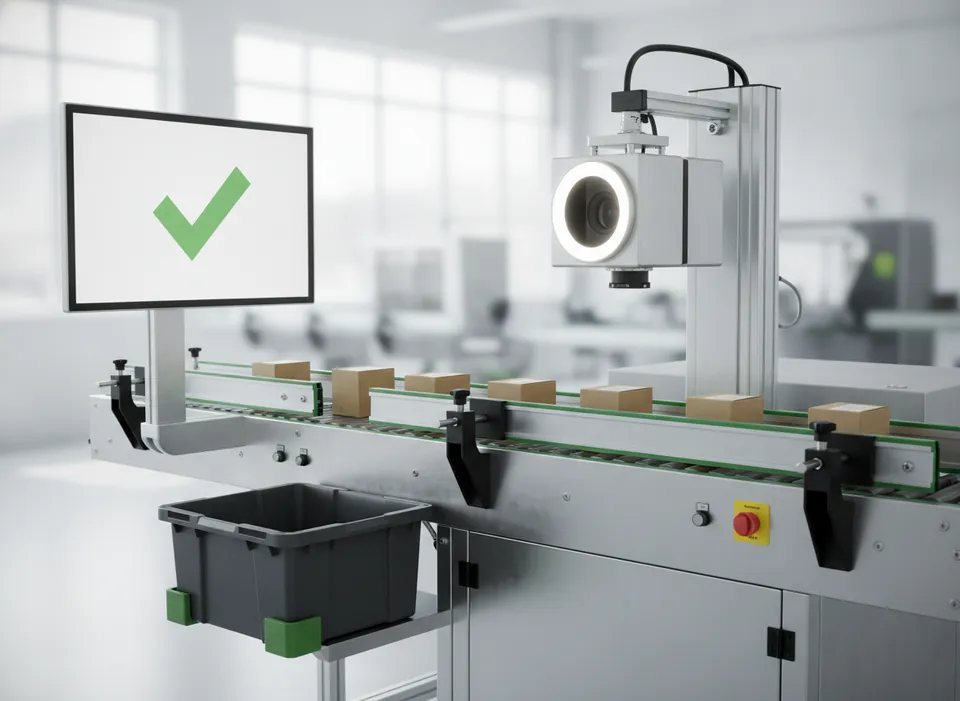
Built around your product
A dynamic checkweigher weighs each pack while a camera above the belt verifies its code. One reject station and one HMI handle both checks, saving line length.
A triggered camera with matched lighting captures each product. Software tools locate the code, read characters (OCR), compare them with the expected string (OCV), decode 1D and 2D symbols and measure print quality. Results drive a reject device and are logged for audit. Fixed-mount verifiers grade codes to ISO/IEC 15415 and 15416.
Key features
- Weighing range 20 g – 6 kg
- Accuracy from ±0.5 g
- Separate reject bins for weight and code
- Production reports by batch
Process sequence
Trigger
A sensor fires the camera as each product reaches the field of view.
Illuminate
Strobed LED lighting freezes motion and controls reflections.
Analyse
Algorithms read, match and grade codes and check label position.
Decide
Pass or fail is issued within milliseconds.
Reject
An air blast or pusher removes failed products and confirms the reject.
Machine video
A closer look at a typical vision & code inspection installation. Ask us for a live demonstration of the VS-CW on your own product.
Specifications
| Model | VS-CW |
|---|---|
| Inspection | Weight and code inspection |
| Camera | 1.6 MP smart camera + load cell |
| Code types | OCR, 1D / 2D |
| Max speed | Up to 150 packs/min |
| Lighting | Integrated LED |
| Reject | Air-blast or pusher to lockable bin |
| Interfaces | Ethernet, USB export, I/O |
| Protection rating | IP65 |
Typical configuration. Final values depend on your product and are confirmed in the quotation.
Add-ons
- Air-blast, pusher or diverter reject
- Reject-confirmation and bin-full sensors
- Audit trail and user management
- Multi-camera 360° inspection
Suitable materials and packs
Questions
What is the difference between reading and verifying?
Can it check inkjet date codes?
Does it connect to the printer?
Get a proposal for this machine
- Application review by an engineer — material, code and line speed
- Trial marking, printing or packing on your own samples
- Quotation with layout, lead time, installation and service
Prefer to talk? Email info@motionworksrobotics.com or call +91 98100 93680.
Ask about this machine
More vision & code inspection machines
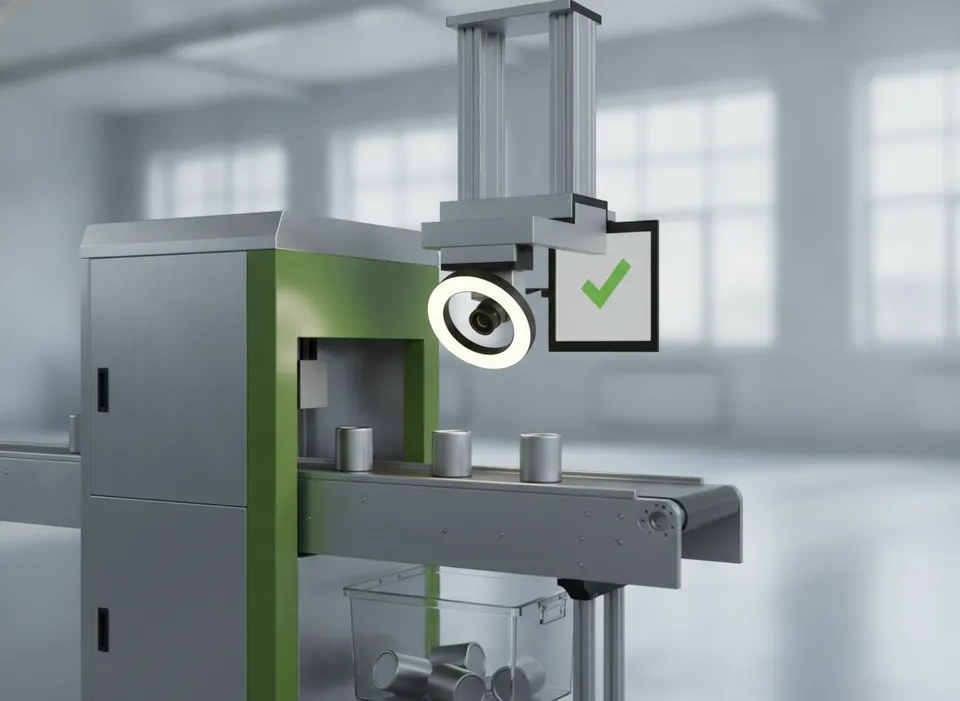
Date Code OCR Inspection System
Checks every date and lot code for presence and correctness.
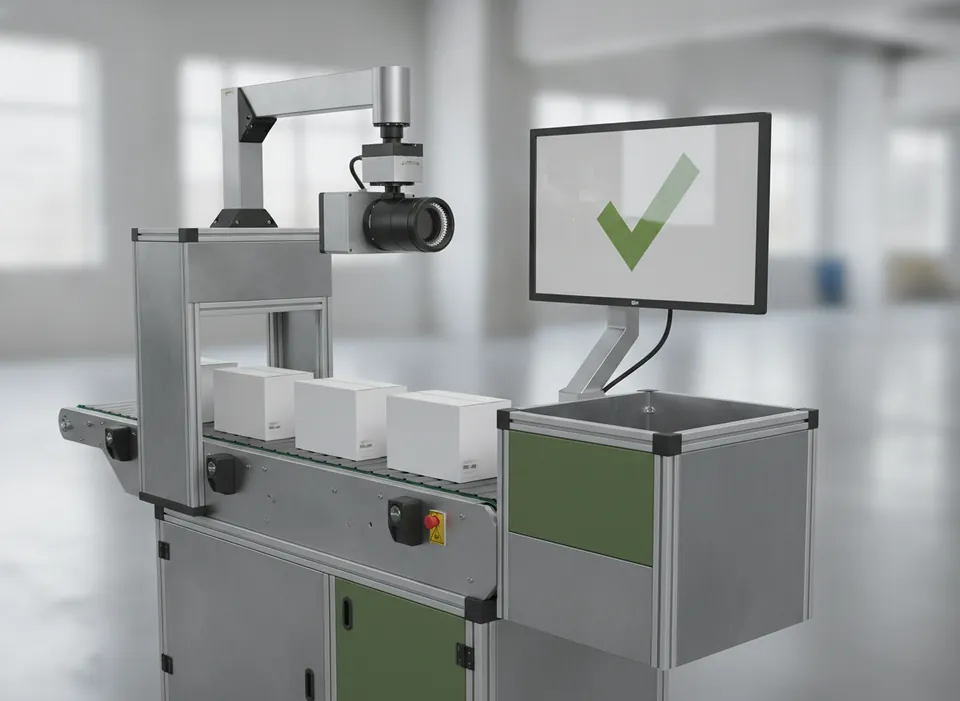
2D Code Verification System
Grades DataMatrix and QR codes to ISO standards inline.
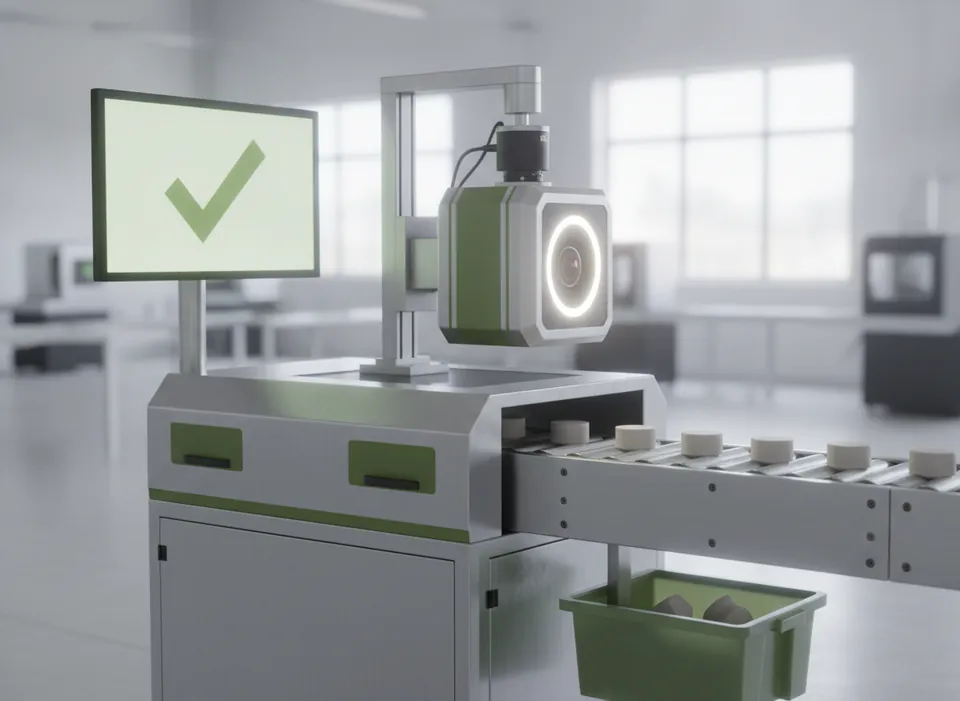
Label Inspection System
Confirms the right label is on straight and in place.